


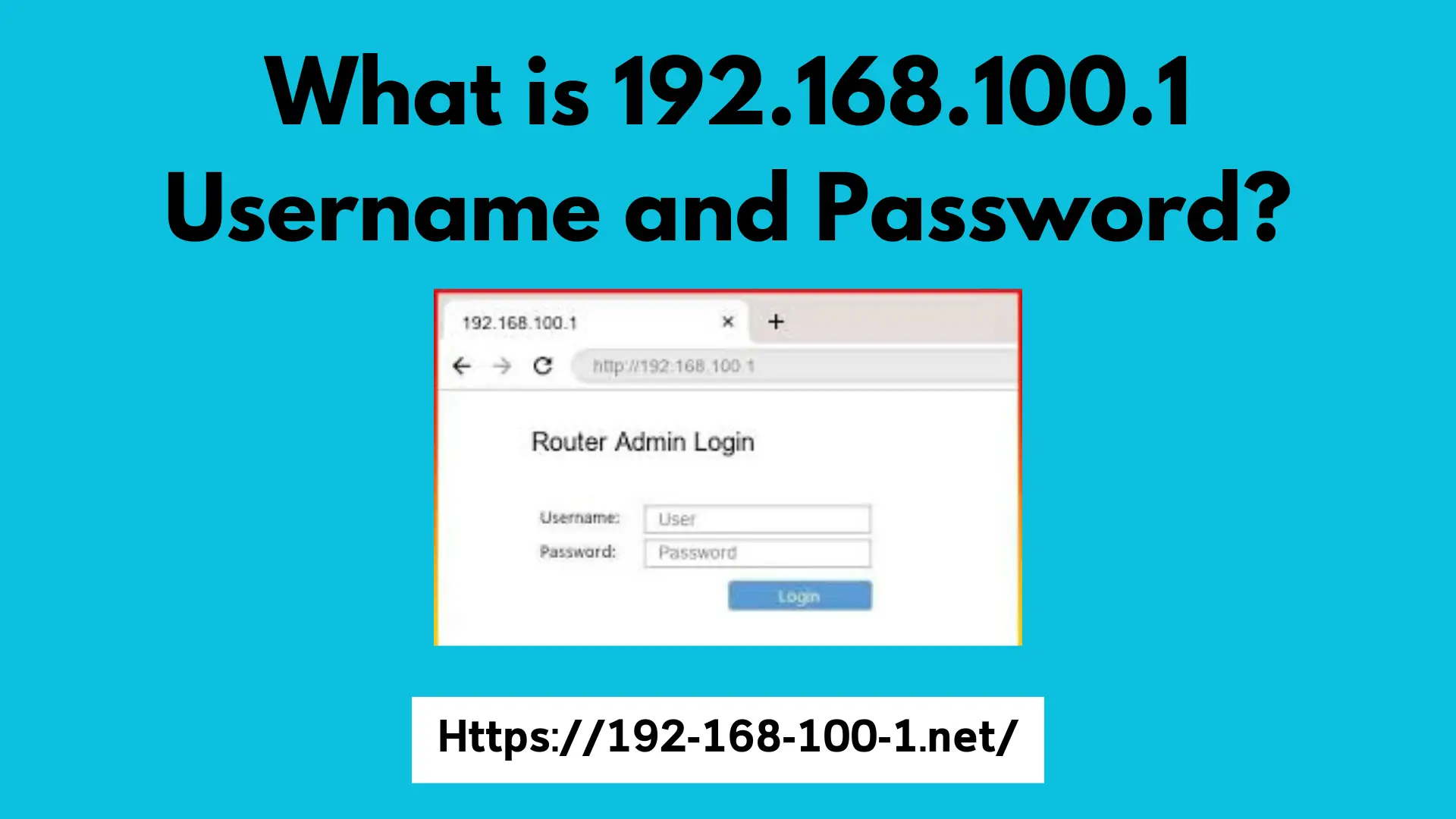
What is 192.168.100.1?
The IP address 192.168.100.1 serves as a significant component of many home and office networks, primarily functioning as a local address. Designs such as these typically configure this IP address as the default gateway for routers and various network devices. A notable feature of 192.168.100.1 is its classification as a private IP address, which distinguishes it from public IP addresses used to identify devices on the broader internet.
Understanding the distinction between private and public IP addresses is essential for effective network management. Private IP addresses, such as 192.168.100.1, are assigned for use within specific local area networks (LANs). In contrast, public IP addresses are assigned by Internet Service Providers (ISPs) and are unique across the internet, allowing devices to communicate outside their local network. The 192.168.100.1 address falls within the IPv4 address range designated for private use—specifically, the range of 192.168.0.0 to 192.168.255.255.
The concept of subnet masks is also pivotal in the context of 192.168.100.1. The subnet mask helps define the network’s structure and determines which segment of the IP address is used for the network identification and which for device identification within that network. Commonly, the default subnet mask for the 192.168.100.1 address is 255.255.255.0, which allows for up to 254 devices to connect within the same local network. This configuration highlights the role of 192.168.100.1 as a crucial access point for devices looking to communicate within a home or office network.
How to Access Your Router Using 192.168.100.1
Accessing your router’s management interface is crucial for configuring network settings and managing connectivity. The default address for many routers, including several models setup by Internet Service Providers (ISPs), is 192.168.100.1. Here are the steps to gain access:
First, ensure your computer or mobile device is connected to the router’s network. This can be done either through a wired Ethernet connection or via a wireless connection. If you are using Wi-Fi, make sure you are connected to the correct network, as multiple networks may be available.
Once connected, open a web browser such as Chrome, Firefox, or Edge. In the address bar, type http://192.168.100.1 and press Enter. This will redirect you to the router’s login page. If the page does not load, verify that you have the correct IP address and that your device is indeed connected to the network.
After reaching the login page, you will need to enter the default username and password. These credentials are often printed on a label attached to the router or found in its manual; however, common default usernames are typically “admin” or “user,” while the default passwords might be “admin,” “password,” or left blank. If you have previously changed these settings, use your own credentials instead.
Upon successfully logging in, it is strongly advised that you change these default credentials immediately to enhance your network’s security. Using a strong and unique password helps prevent unauthorized access and potential security breaches. Remember that maintaining robust credentials is a critical step towards safeguarding your network and improving overall security.
In conclusion, accessing your router through 192.168.100.1 and changing the default login information can significantly enhance your networking experience while offering better security management for your home or office internet connection.
Common Issues When Using 192.168.100.1
Accessing a router through the IP address 192.168.100.1 can sometimes pose challenges for users. One of the most common issues encountered is the inability to connect to this IP address. Factors such as network configuration, firewalls, or incorrect connections can prevent users from reaching the router interface. To troubleshoot this, users should verify their computer or device is connected to the network and that the router is powered on. Additionally, checking for possible typos in the IP address or confirming the correct address is essential, as different routers may have different default gateway IPs.
Another frequent problem is entering incorrect login credentials. Most routers require a username and password to access the settings via the 192.168.100.1 address. If users forget their login information, they may find themselves locked out. In such cases, it is advisable to perform a factory reset on the router, which will restore the default credentials, easily found in the router’s user manual or on the manufacturer’s website.
Users might also encounter situations where their devices do not recognize the IP address 192.168.100.1. This issue can arise due to IP address conflicts or incorrect network configurations. To resolve this, it is recommended to check the IP address settings on the device, ensuring it is set to obtain an IP address automatically from the router. If problems persist, restarting the router and the connected devices can sometimes resolve transient connectivity issues.
In summary, users may face several challenges while accessing their routers through 192.168.100.1. By following troubleshooting tips, they can efficiently address issues related to connectivity, login credentials, and IP recognition.
Configuring Router Settings via 192.168.100.1
Accessing your router’s settings is crucial for optimizing your network’s performance and enhancing its security. Through the IP address 192.168.100.1, users can enter the router’s web interface and modify various settings. One of the first tasks that should be undertaken is changing the default Wi-Fi password. Many routers come with pre-set passwords that can be easily guessed, making them vulnerable to unauthorized access. By selecting a strong, unique password, you enhance your network’s security significantly.
Another essential configuration that should be considered is updating the router’s firmware. Firmware updates often include crucial security patches and performance enhancements. To check for updates, navigate to the firmware section of your router’s settings, which can typically be found on the home page after logging in through 192.168.100.1. Regularly updating your firmware ensures that your router has the latest features and improvements.
Parental controls are also an important feature that can be set up through the 192.168.100.1 interface. This allows parents to monitor their children’s internet usage and restrict access to inappropriate content. You can set time limits on internet usage or block specific websites altogether, thus helping to create a safer online environment for younger users.
Finally, it is essential to adjust the router’s security settings. This involves enabling security protocols such as WPA3 or WPA2, which encrypt data transmitted over your network, preventing unauthorized users from intercepting it. It is also advisable to deactivate WPS (Wi-Fi Protected Setup) if it is not in use, as this feature can pose security risks.
Properly configuring these router settings through 192.168.100.1 will not only enhance your network’s performance but also ensure a secure browsing experience for all users connected to your Wi-Fi network.
